You sit down at your desk with your notes open, determined to study for two full hours. Five minutes in, your phone buzzes on the desk. You check a notification, scroll through a few reels, reply to a snap, and suddenly 45 minutes have vanished.
If this sounds familiar, you are experiencing the brain's path of least resistance.
Modern social media apps and notifications are engineered to trigger dopamine hits that outcompete the mentally demanding task of studying. Relying on willpower alone to resist your phone is a losing battle, especially when you are tired or reviewing complex material.
To study without getting distracted, you need to change your environment rather than test your self-control. Here is the step-by-step framework to build an uninterrupted study routine.
Step 1: Optimize Your Physical Environment
The cognitive cost of distraction starts before you even open your textbook. Research shows that the mere physical presence of a smartphone on your desk reduces available brainpower, even if the phone is face down or on silent.
Here is how to set up your study station:
- The "Out-of-Sight" Rule: Place your phone in another room or inside your backpack during study blocks. If you must keep it near you for emergency calls, silence all app notifications.
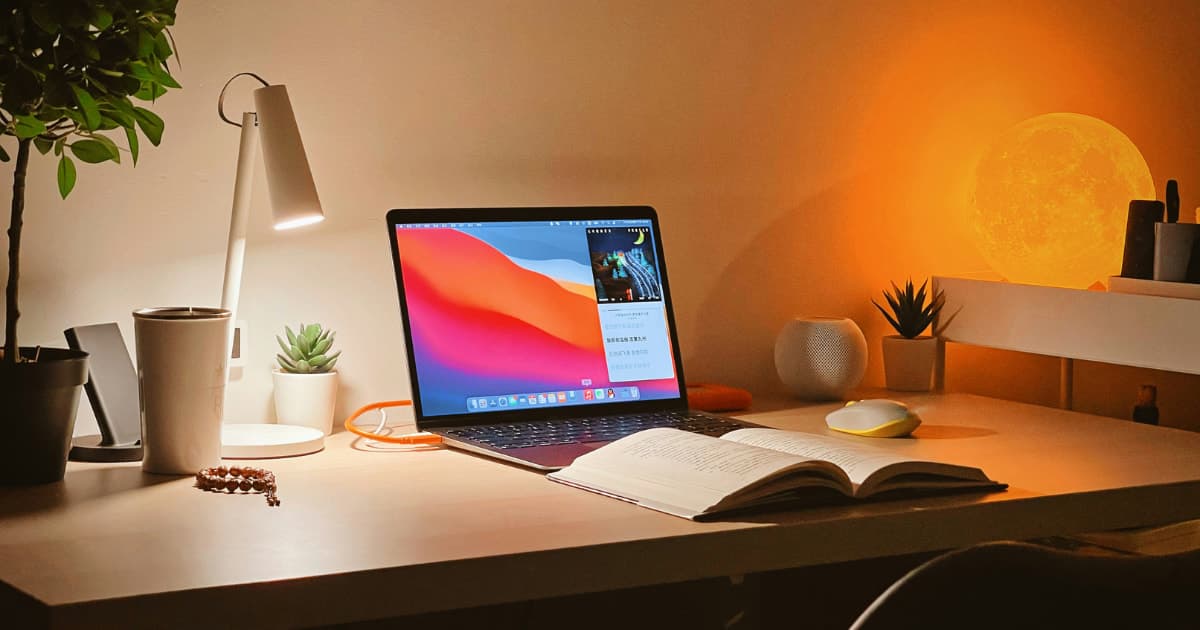
- Clear the Desk: Keep only the materials required for the current subject on your table. A cluttered desk creates visual noise that invites mind-wandering.
- Single-Tab Browsing: If you are studying on a laptop, close all irrelevant tabs, email clients, and messaging apps.
Step 2: Use Time-Boxing over "Vague Study Time"
Telling yourself "I need to study chemistry tonight" is too broad. Vague goals increase friction, making your brain search for easy escape routes like TikTok or Instagram.
Instead, use time-boxing:
- Define the exact task: Instead of "Study Chemistry", write down "Solve 10 practice problems for Chapter 4".
- Set a hard timer: Use 25-minute Pomodoro intervals or 50-minute deep work blocks followed by short, intentional breaks.
- Write down intrusive thoughts: Keep a blank notepad next to you. If a random task pops into your head ("I need to buy coffee", "Check exam date"), write it down on paper and return to studying immediately.
Step 3: Eliminate Digital Loop-Holes (Why Apple Screen Time Fails)
Many students attempt to limit digital noise using Apple's built-in Screen Time feature. However, Apple Screen Time was designed primarily for parental controls, not adult focus.
The moment your study limit expires, Apple presents a prominent "Ignore Limit" button. During a challenging revision session, breaking your focus takes only a single impulsive tap.
To build deep focus, you need a strict boundary that removes the choice to cheat.
Step 4: Lock Down Revision Sessions with Otis
This is where Otis transforms your study routine. Otis uses Apple's native Screen Time API to enforce strict, bypass-proof focus blocks on your iPhone, removing all digital temptations while you revise.
Here is how students use Otis to protect their revision time:
- Select Distractions: Pick the apps that steal your attention during study sessions (Snapchat, TikTok, Instagram, YouTube).
- Set Your Focus Session: Choose your study duration (e.g., 50 minutes) and activate the session.
- Choose Your Strictness Level: Select from three friction levels depending on how strong your impulse to check your phone is:
- Soft: Allows manual ending if needed.
- Medium: Requires holding a button for 10 seconds to stop the block.
- Hard: Requires solving a quick mental math puzzle to unlock, giving your brain enough time to pause, realize it is procrastinating, and get back to work.
Automate Your Study Schedule
If you have recurring study hours (e.g., 6:00 PM to 8:00 PM every weekday), you can schedule automated blocks in Otis. When study time arrives, your distracting apps lock automatically without requiring you to remember to start a session.
If social media pulls at you outside of study time too, not just during revision, our guide on breaking social media addiction covers the bigger picture. And if Otis isn't the only tool you want to compare, our best app blockers roundup lays out the full field.
Frequently Asked Questions (FAQ)
How can I stop checking my phone while studying?
The most effective way is to remove the decision entirely. Put your phone in another room, or use a strict app blocker like Otis that locks distracting social media apps behind friction modes so you cannot reflexively open them.
What is the 2-hour focus block method?
The 2-hour focus block method involves scheduling a 120-minute window dedicated to a single subject, broken down into two 50-minute intense study blocks separated by a 10-minute break, followed by a longer rest period.
Why does my willpower fail when studying late at night?
Willpower is a finite mental energy reserve that depletes throughout the day (a phenomenon known as decision fatigue). By late evening, your brain defaults to seeking quick dopamine rewards, making social media distractions much harder to resist.
Will blocking apps on my phone delete my account or data?
No. App blockers like Otis or Apple Screen Time simply restrict access to the app's interface during active sessions. Your account data, messages, and study notes remain completely intact.