Maintaining deep concentration in a world of constant notifications, social media triggers, and endless open tabs is harder than ever.
Whether you are studying for exams, managing complex work projects, or simply trying to read without reaching for your phone every five minutes, using the right software tools can significantly lower the friction required to enter a flow state.
However, "focus apps" cover a wide range of solutions. Some block distracting social media apps, others generate neuroscience-backed background audio, and some gamify your time management.
Full disclosure: We built Otis, a strict Screen Time blocker for iOS. While we believe our app offers the most effective boundary against impulsive phone usage, the best focus stack depends entirely on your specific distraction triggers. Here is an honest, categorized breakdown of the top tools available today.
Category 1: Distraction & App Blockers
If your primary obstacle to deep focus is reflexively opening social media apps or messaging platforms, dedicated app blockers are the most direct solution. For a deeper comparison of just this category, see our best app blockers roundup.
1. Otis (Best for Strict, Bypass-Proof App Blocking)
Otis focuses on solving the biggest weakness of native iPhone controls: the ease with which you can bypass your own daily limits.
Using Apple's official Screen Time API, Otis locks selected distracting applications on your iPhone behind customizable friction modes during focus sessions.
Key Features:
- Friction Modes: Choose Soft, Medium (10-second button hold), or Hard mode (solving a mental math puzzle before ending a session early).
- Automated Scheduling: Set recurring focus windows for work hours, study blocks, or evening relaxation.
- Privacy-First Architecture: Operates locally on your device without tracking app usage or personal data.
Pro-tip: For total coverage against browser scrolling, pair Otis with Apple's native Safari restrictions to block web domains like instagram.com or youtube.com.
Best for: iPhone users who frequently override Apple's default limits and need strict boundaries during deep work.
2. One Sec (Best for Habit Awareness & Mindfulness)
Rather than hard-blocking apps immediately, One Sec forces a pause when you attempt to open a distracting application. It displays a full-screen breathing prompt that lasts a few seconds before letting you proceed.
Key Features:
- Delays app opening to break automatic dopamine loops.
- Displays stats on how many times you chose not to open an app after the pause.
- Includes quick exercises for mindful breathing.
Best for: People who open social media purely out of unconscious habit and need a gentle intervention.
Category 2: Gamified Timers & Habit Building
If you need positive reinforcement and visual rewards to stay motivated during long tasks, gamified focus timers make time management engaging.
3. Forest (Best Visual Focus Timer)
Forest turns focus blocks into a game. When you start a focus session, you plant a virtual seed in the app. Over 30 to 60 minutes, your tree grows into a full plant as long as you keep the app active on your screen. Leaving the app to check messages causes your tree to wither.
Key Features:
- Visual reward system that builds a personal forest over time.
- Real-world impact through partnerships that plant actual trees.
- Shared group focus sessions for studying with friends.
Best for: Visual thinkers and students who respond well to gentle gamification.
4. Flora (Best Free Alternative)
Flora operates on a similar plant-growing mechanic as Forest, offering a clean focus timer for individuals and study groups. It provides core focus tracking features for free, making it popular among students on a budget.
Key Features:
- Free visual focus timer with customizable tree species.
- Optional financial stakes feature to add real accountability.
- Habit-tracking calendars to log daily focus streaks.
Best for: Anyone seeking a free, visual focus timer for daily study or work blocks.
Category 3: Soundscapes & Focus Audio
Visual and digital distractions are only half the problem. Ambient noise, silence, or lyrics in popular music can also break concentration. Focus audio tools use sound science to mask background noise and keep your brain engaged.
5. Brain.fm (Best Neuroscience-Backed Audio)
Brain.fm creates functional music designed specifically to guide your brain into a state of focus. Unlike standard music streams, its audio tracks use rhythmic auditory stimulation to influence brainwave activity without drawing active attention.
Key Features:
- AI-generated music tailored for focus, relaxation, or sleep.
- Genre options ranging from ambient electronics to classical sounds.
- Customizable session lengths to match your work intervals.
Best for: Remote workers, writers, and programmers who need non-distracting background sound to maintain flow.
6. Endel (Best Personalized Soundscapes)
Endel generates adaptive soundscapes that react to real-time inputs like your local environment, weather, time of day, and heart rate. It uses AI to create continuous sound environments designed to align with your natural circadian rhythm.
Key Features:
- Real-time adaptive soundscapes for focus, relaxation, and movement.
- Integration with Apple Health and wearable devices.
- Minimalist, visually calming interface.
Best for: Users who want a personalized, dynamic sound environment throughout the day.
Category 4: Multi-Device Blocking
If your attention shifts between your laptop, tablet, and mobile phone throughout the workday, cross-platform tools ensure all your screens stay locked simultaneously.
7. Freedom (Best Cross-Platform Blocker)
Freedom allows you to block websites and applications across iOS, Android, macOS, and Windows at the same time. You can build custom blocklists for news sites, social media, or gaming platforms and trigger sessions across all connected devices with one click.
Key Features:
- Simultaneous blocking across desktop and mobile devices.
- Locked Mode to prevent cancelling active sessions.
- Pre-scheduled blocking sessions for recurring work hours.
Best for: Professionals and students who move between desktop computers and smartphones while working.
How to Build Your Ideal Focus Stack
No single app solves every focus challenge. To build a setup that fits your routine, identify where your focus breaks down most often:
- If your issue is compulsive phone checking: Combine Otis (for strict iOS app blocking) with native Safari web restrictions.
- If you struggle with task initiation: Use Forest or Flora to gamify the start of your work sessions.
- If background noise ruins your flow: Play Brain.fm or Endel through noise-canceling headphones.
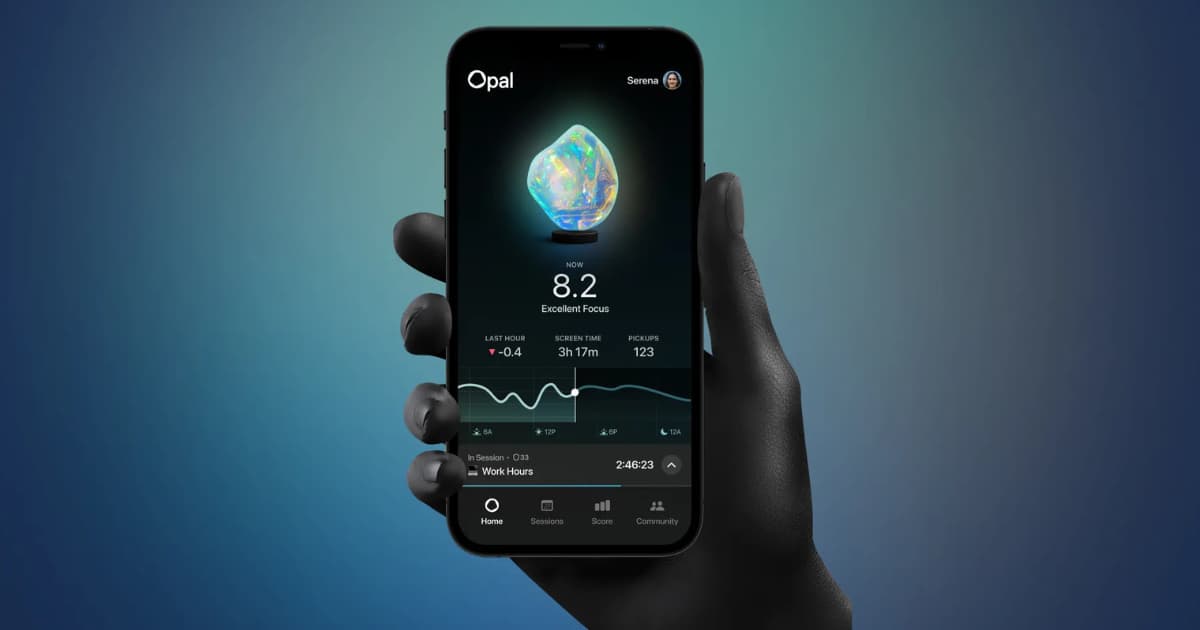
If you're specifically weighing Otis against Opal, our dedicated Opal alternatives comparison breaks down the pricing and feature differences in more depth.
Frequently Asked Questions (FAQ)
What is the best free app for focus and concentration?
Apple's built-in Screen Time is free on all iOS devices. For visual focus timers, Flora offers free core functionality for tracking study sessions and building concentration habits.
Do focus apps actually improve productivity?
Focus apps improve productivity by modifying your immediate digital environment. By removing visual triggers, delaying impulsive actions, or blocking access to high-dopamine platforms, they significantly reduce the mental effort required to stay focused.
How long should a focus session be?
Most productivity research recommends structured focus blocks between 25 minutes (the standard Pomodoro technique) and 50 to 90 minutes for complex deep work, followed by 5 to 15-minute rest breaks.
Ready to eliminate daily digital friction and lock down your focus time? Try setting up your first strict focus block today to protect your productive hours.